How Do I... Save My Family Memories?
Family photos scattered across devices. Nobody knows who's in the pictures. Aging relatives' stories unrecorded. Physical photos deteriorating. No backup if device fails. This diagnostic guide identifies 5 critical risks with simple, budget-friendly fixes for protecting family materials.

5 Signs Your Family Memories Are at Risk (And Simple Fixes)
You probably have memories scattered across three different devices. Your aging parents have boxes of photos in their closet. Your siblings have inherited materials from relatives they're not sure what to do with. Nobody has a clear picture of what exists, where it is, or whether it's being preserved properly.
This is the most common state of family memory management. And it's also the riskiest.
The good news: you can diagnose the problem and fix it. This guide walks through five specific signs that your family memories are at risk, plus the practical fixes for each one.
Sign 1: Your Photos Are Scattered Across Multiple Devices and Cloud Services
You have photos on your phone. Your partner has photos on their phone. You've backed some to Google Drive. Your mother sent you some via email. Your sister is uploading some to Facebook. Your cousin mentioned she has copies of things on her external hard drive that's currently unplugged in her basement.
This is a fragmentation problem. It means no one has a complete picture of what exists. If your phone gets damaged, you lose one collection. If Google changes its policies, another collection could become inaccessible. If your sister's external drive fails, that's irreversible data loss.
The bigger problem: nobody knows where to find things. You want to print a photo for your grandmother's birthday. But which device has the highest quality version? Is it on your phone? Your partner's? The cloud backup? You're wasting time searching instead of celebrating.
Simple Fix for Sign 1
Create one central location for your family photos. This can be a shared cloud folder (Google Drive, OneDrive, or iCloud), an external hard drive that stays in one safe place, or both. The key is that it's designated, protected and everyone knows where it is.
Next, create a simple folder structure. Year/Month or Year/Event. Nothing fancy. This single step means that when you want a photo from your mother's 70th birthday, you know exactly where to look. It also means new photos can be added consistently without creating chaos.
Finally, set up automatic backup. If you're using a cloud service, it backs up automatically. If you're using an external drive, put a reminder on your calendar to sync it quarterly. The goal: redundancy. If one copy fails, another exists.
Budget estimate: $0-$200 depending on whether you use cloud storage (many offer free plans) or purchase an external drive.
Sign 2: Nobody Knows Who is in the Pictures
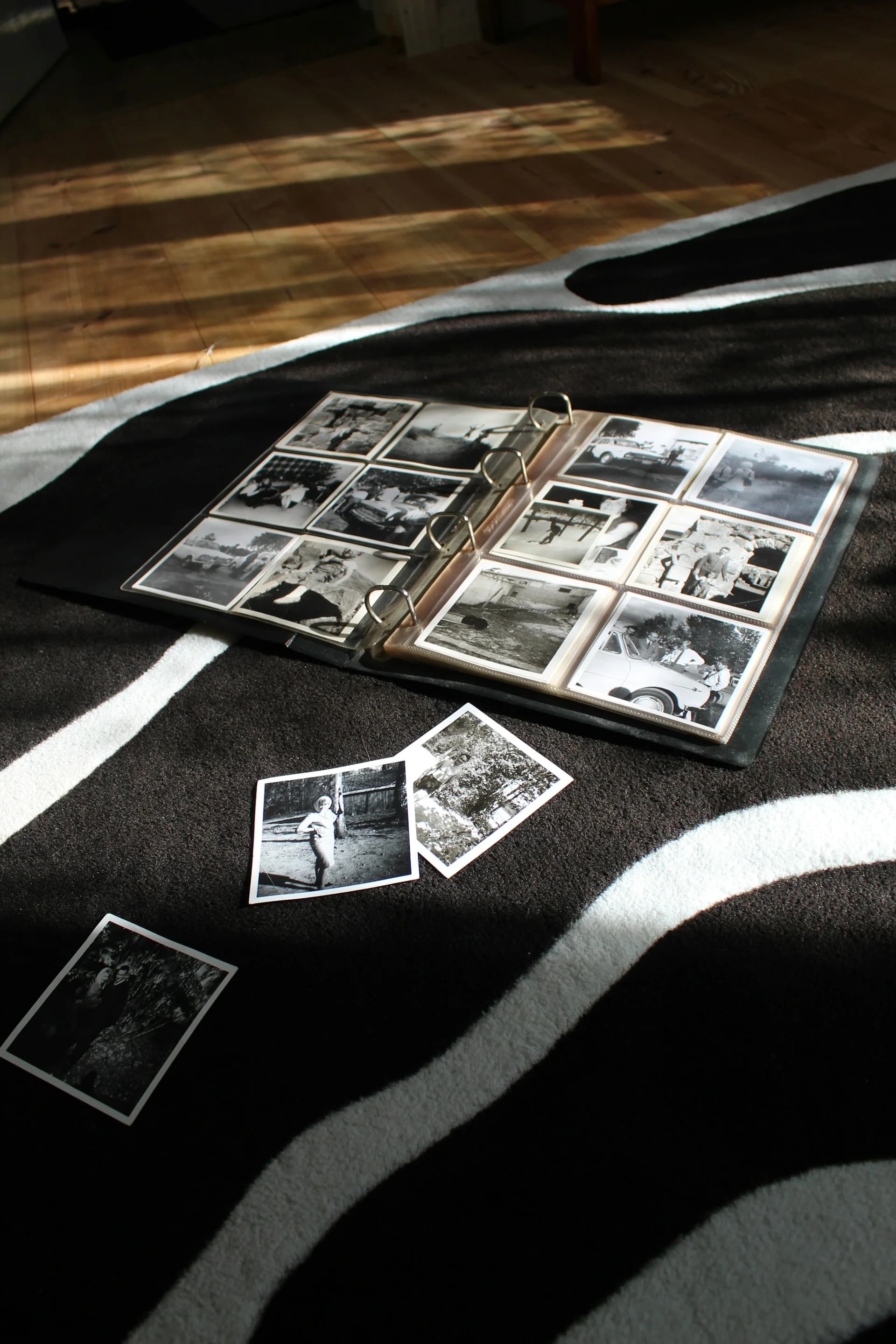
You inherited a box of photos from your great-aunt. Beautiful images, clearly important to someone. But you don't recognize most of the people. The dates on the back are faded. There's no context. So the photos sit in a box, undisplayed, unshared, basically useless.
This is what happens when photos aren't labeled. Within one generation, the people in them become strangers. Your kids won't know their great-great-grandparents' faces. Your cousins won't be able to tell their family story to their own kids because the evidence has become unidentifiable.
Even recently taken photos have this problem. You took fifty photos at a family gathering. In them are three generations of people, multiple locations, several events within the same day. In five years, can you remember exactly which photo was taken at which moment, or who is in the background of which shot?
Simple Fix for Sign 2
Start labeling. You don't need a perfect system. Just start somewhere. After your next family gathering, take 15 minutes and add basic information to key photos: date, who's in it, where it was, what's happening. Do this while it's fresh in your mind.
For inherited photos, ask the oldest family member who is still alive to help identify them. Schedule this as a project. Sit down together with the photos and a notebook. Ask them to tell you who people are. Write it down. If they're comfortable, record them telling stories about the people in the photos. This becomes a record.
You don't need to label every photo. Label the important ones. The ones that matter for family history. The portraits. The group shots. The photos of key moments. Then, create a simple family key that documents who is who. Future generations will understand the context.
Tools that help: online spreadsheet, free photo-labeling apps or written notes stored with the digital files.
Sign 3: Aging Relatives Have Stories, But Nobody Is Recording Them
Your dad tells great stories. Your aunt has lived through fascinating history. Your grandmother remembers a completely different era. These aren't the kind of stories that will spontaneously get written down or recorded. They exist only in conversation, in their memory, and nowhere else.
Each year your aging parents get older. Their memory doesn't get better. Their health doesn't stabilize. The time window for capturing these stories is actually closing, whether you realize it or not. And most families are waiting for that window to slam shut before they even think about recording.
The stories matter. They're not just entertainment. They're your family history. They're the context for understanding why your family does things certain ways, believes certain things, values certain priorities. They're irreplaceable.
If you need some inspiration, My Family Story Vault has created a free story question generator that delivers a tailored list of thoughtful questions for the person you are interviewing. Print and/or email the question list, then regenerate the list to get new questions for another family member! You can choose specific themes or times of their life to focus the question list.
Simple Fix for Sign 3
Have a conversation with an aging parent or grandparent. Ask them to tell you a story from their life. Any story. Press record on your phone. When they're done, save the file. Do this monthly if possible, quarterly at minimum.
You don't need a production. You don't need perfect audio quality. You need the voice, the words, the story. Your smartphone does this perfectly. Our recent blog post How Do I... Record Family Stories Without Waiting Until I Have the Right Equipment? shows you how easy it is to start by using your existing voice memo app!
Create a simple folder for these recordings. Organize them by person and date. Back them up to cloud storage. These voice recordings become family heirlooms. Your kids will listen to their great-grandparent's voice years after that person has passed. The tone. The personality. The way they tell stories. It's all there.
Tools that help: Voice memo app on your phone (free), a shared folder to organize by family member.
Sign 4: Your Physical Photos Are Showing Signs of Deterioration
The color is fading on photographs that are just 20 years old. Some photos are stuck together. Others show water damage from a basement that flooded years ago. The Polaroids from the 1970s are becoming brown and brittle. The edges of old prints are curling or cracking.
This is chemical deterioration, and it's happening to your family photos right now. The older the photo, the faster it's degrading in most cases. Photographs from the 1950s and earlier are particularly vulnerable. The printing processes used then weren't designed for longevity. They're degrading as you read this post.
Storage conditions matter enormously. Heat, humidity, light, and improper storage materials all accelerate deterioration. But even in perfect conditions, photographs fade. Even in perfect conditions, chemical processes degrade the image.
If you're waiting for someday to digitize these photos, someday will arrive after they've deteriorated beyond recovery. The highest quality version to capture might be what you can scan right now.
Simple Fix for Sign 4
Digitize deteriorating photos immediately. Scan them at home using a flatbed scanner or photograph them with your smartphone using the camera app. The quality will be good enough to preserve what's left of the image. Try to minimize light glare and avoid using the camera flash.
For a list of recent mobile photo scanning apps that can help, check out our blog post: How Do I... Choose the Best App for Scanning Old Family Photos?
If photos are too fragile to scan (stuck together, extreme brittleness), consider professional digitization services. Companies like Legacybox or Capture can handle delicate materials. It's more expensive than DIY, but it's worth it for irreplaceable photographs.
Improve storage for physical photos you're keeping. Store them in acid-free boxes, away from heat and direct light. Keep them in a cool, dry place. These conditions will slow (but not stop) deterioration, buying you time until you can digitize them.
Budget estimate: $0-$50 for DIY scanning using your phone; $100-$750+ for professional digitization of large collections.
Sign 5: You Have No Backup System If a Device Fails
All your family photos are on your hard drive. Your aging parent's entire life is documented on one external drive. Your sibling has irreplaceable videos stored only on one laptop. You're assuming that device will keep working. That nothing will happen to it. That it will safely hold everything forever.
This is the riskiest assumption you can make. Hard drives fail. Devices get damaged. Laptops get stolen or broken. Cloud accounts get hacked. If you have only one copy of something, you effectively don't have a copy at all. You're one bad day away from losing it forever.
The 3-2-1 backup rule comes from digital archivists: you should have at least 3 copies of important files, on 2 different types of media, with 1 copy stored offsite. This sounds excessive until you've lost something irreplaceable.
Simple Fix for Sign 5
Implement a backup system this week. Here's the simplest version:
Copy 1: Store your photos on your computer or phone (original location)
Copy 2: Back them up to cloud storage (Google Drive, OneDrive, iCloud). This is automatic for most people. If you're not doing it, start now.
Copy 3: Keep an external hard drive with a copy, stored somewhere other than your home (your office, a parent's house, a safety deposit box)
This doesn't require buying anything you don't already have. Most phones have automatic cloud backup built in. If you need an external drive, they're inexpensive ($50-$100). The offsite location can be a friend's house. Nothing fancy.
Once this system is in place, put a reminder on your calendar to refresh the external drive copy twice a year. This is truly set-it-and-forget-it protection. If anything happens to your primary device, you still have your memories.
Budget estimate: $0 (if using free cloud backup) to $100 (if purchasing an external drive)
When to Seek Professional Help
For most family memory management, these simple fixes are sufficient. You can do this yourself. You don't need expertise or special equipment beyond what you already have.
However, there are situations where professional help is worthwhile:
You have thousands of photos and zero organizational system. Professional organizers can help you create structure.
Your physical materials are fragile or deteriorating rapidly. Professional digitization preserves what DIY scanning might damage.
You have VHS tapes, audio cassettes, or other formats you don't know how to transfer. Professional transfer services handle these.
You've inherited a massive collection and lack the time or energy to manage it yourself. Professional services exist for this exact scenario.
The key is not letting perfectionism stop you from starting. Do what you can. Fix what you can fix. And when you hit a limit, that's when you seek expert help.
Action: Diagnose Your Situation
Which of the five signs applies to your family's memories right now?
Pick one.
Choose one simple fix.
Do it this week.
You'll be surprised how quickly progress feels possible once you start.
Your Memories Are Worth the Small Effort
These fixes aren't complicated. They don't require expertise or special equipment. They require just one thing: recognition that your family's memories matter enough to deserve basic protection.
You don't need a perfect archive system. You need to know that when your kids ask about their great-grandparents, you have something to show them. You need to know that if your hard drive fails, your memories still exist somewhere. You need to know that your aging relatives' stories have been captured before they're gone.
Start this week. Fix one sign. Create one backup. Record one story. Label one photo collection. Small actions compound into security. And years from now, you'll be grateful you did.
Pass Your Family Stories Down the Generations
Join thousands of others using My Family Story Vault to preserve family stories for future generations! A shared media library with unlimited free family invites, a story creator to add context to your uploaded photos, videos and audio clips, a life timeline with map and a family tree builder come together in a beautiful, private Tribute that showcases your family stories for the current, and next generations to explore, add to, learn from and enjoy.
✨ Join thousands preserving family stories • 🔒 Secure & Private
🆓 Start Today