
How Do I... Know If My Old Family Photos Are Quietly Disappearing?
Most families believe their old photos are safe as long as they're not exposed to direct sunlight or moisture. The reality is more complicated, and more urgent. This guide explains why color photographs degrade, what accelerates it and how to slow it down.

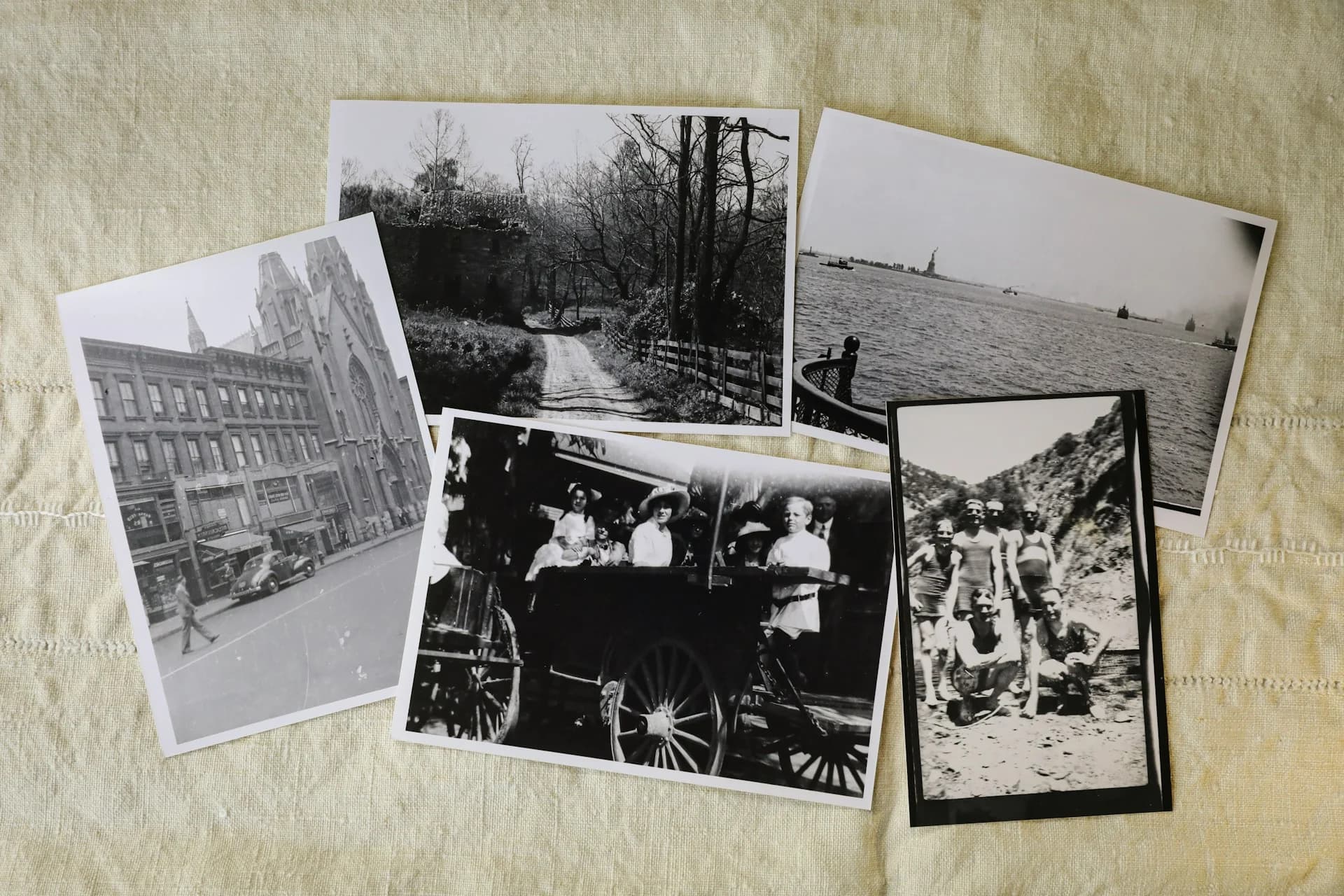
How Do I Know If My Old Family Photos Are Quietly Disappearing?
There's a photograph of your parents on their wedding day sitting in an album somewhere in your house. Or in a box. Or in a drawer you haven't opened in years. You know it's there, and you've probably thought, at some point, that you should do something about it. But it's fine for now. It's indoors, it's not in direct sunlight, and it's been there for decades already.
That reasoning is partly right and mostly wrong. The photo may look fine. But depending on when and how it was printed, the chemistry inside it has been changing since the day it was developed. The degradation is happening whether you can see it yet or not, and once it becomes visible, a significant portion of the image quality is already gone.
This isn't meant to alarm you into doing something you'll never actually do. It's meant to give you an accurate picture of what's actually happening so you can decide whether now is the right time to act. For most people, once they understand the specifics, the answer becomes clear.
The Problem With Color Photography in Particular
Not all photographs age the same way. Black-and-white photographs made on silver-gelatin paper, the standard format for most of the 20th century up through the 1960s, are chemically stable. Properly processed and stored, they can survive for hundreds of years. When you see a sharp, clear photograph from the 1920s or 1930s, you're seeing evidence of that stability.
Color photography is a different story. Most color prints made since the 1960s are chromogenic prints: photographs produced through a chemical reaction involving organic dyes. Those dyes are inherently unstable. They break down when exposed to light. They break down when exposed to heat. They break down when exposed to humidity, pollutants, and even the gases released by the materials around them. And critically, they don't all break down at the same rate, which is why an old color photo often looks not just faded but shifted in color: the reds fade before the blues, or the greens go first, and what's left is a photograph that no longer looks like what it recorded.
The Library of Congress states plainly that chromogenic dyes "are inherently unstable and will fade when exposed to light" and that they "will also fade and yellow in the dark even at 'normal' temperature and relative humidity levels." There's no storage condition that stops the process. There's only storage that slows it. Source: Library of Congress, Preservation and Conservation
That last part is the one most people don't expect: even a photo stored away from light, at room temperature, in a closed box, is still undergoing chemical change. The dyes don't need light to degrade. They need time. Photos that have also been exposed to heat, humidity, or light are aging faster, but every color print is on the same one-way trajectory regardless of how carefully it's been kept.
The Five Things Destroying Your Photos Right Now
Understanding what causes deterioration is useful because several of these factors are within your control, and reducing them buys meaningful time even if you can't digitize everything immediately.
Light
Ultraviolet light is the most damaging and the most commonly underestimated. It doesn't have to be direct sunlight. The ambient light in a normally lit room causes UV damage over years of cumulative exposure. Photos displayed in frames on walls or shelves are particularly vulnerable. Even photos in albums are affected by the light that reaches them every time the album is opened in a bright room. The damage from light is irreversible: once the dyes break down, they can't be restored.
Heat and Humidity
Both heat and humidity accelerate the chemical reactions that break down photographic dyes and paper. This is why attics are among the worst storage environments for photographs: they experience extreme temperature swings and often trap moisture. A box of photos in an attic in Arizona or Georgia is aging at a significantly faster rate than the same box stored in a climate-controlled room. But even without extreme conditions, elevated temperatures speed up degradation in ways that accumulate invisibly over decades.
Atmospheric Pollutants
This is surprising to most people. Airborne pollutants, including ozone, nitrogen dioxide, sulfur compounds, and even some of the gases released by common household materials like certain plastics, adhesives and cardboard, cause chemical reactions in photographic emulsions. Photographs stored in non-archival albums, particularly ones with adhesive pages or plastic sleeves made from PVC, are being slowly damaged by off-gassing from the very materials meant to hold them. Magnetic photo albums, the ones with sticky pages and clear plastic overlays, are some of the worst offenders.
Handling
The oils and acids on human skin transfer directly to photographic surfaces on contact. A fingerprint left on a photo doesn't just look bad. It creates a chemically active zone that degrades faster than the surrounding area. Over time, repeatedly handled photographs develop uneven fading patterns that correspond to where fingers have touched them. Even careful handling adds up. When you need to go through old photos, handling them by the edges only, or using cotton gloves for particularly valuable prints, makes a real difference.
Storage Materials
Not all boxes and albums are neutral. Cardboard boxes contain acids that migrate into photographs over time. Rubber bands, paperclips, and tape cause direct chemical damage at the point of contact. Non-archival plastics off-gas compounds that attack dyes. The solution isn't necessarily expensive: acid-free boxes and polyethylene or polypropylene sleeves (clearly labeled as acid-free and PVC-free) are widely available and inexpensive, and they make a significant difference in slowing deterioration.
What "Safe Storage" Actually Means
The conditions that genuinely slow deterioration are specific. Conservation professionals recommend storing photographs at a temperature of 65 to 70 degrees Fahrenheit with relative humidity between 30 and 40 percent. That's cooler and drier than most rooms in summer, and more stable in terms of fluctuation than most attics or basements experience year-round.
For most families, achieving museum-grade storage conditions isn't realistic. But several steps are achievable and meaningful: moving photos out of attics and basements and into climate-controlled interior spaces, replacing non-archival albums with acid-free alternatives, keeping framed photos out of direct sunlight and away from exterior walls where temperature fluctuates, and storing photos flat rather than standing upright where their weight can stress the emulsion over time.
If you have photos in a magnetic or "sticky" album with plastic overlay pages, those need attention first. These albums are among the most chemically hostile storage environments for photographs, and they're also mechanically dangerous: the adhesive can bond permanently to the photo surface, making separation impossible without damage. Getting photos out of these albums and into acid-free sleeves or boxes should be your first priority, before any digitization project.
The Photos Most at Risk Right Now
If you're doing a mental inventory of what you have and trying to assess urgency, here are the categories worth prioritizing.
Color photos from the 1960s through the 1990s are the highest-risk category. This period covers the chromogenic print era at its most unstable: the chemistry had improved enough for consumer color photography to become universal, but hadn't yet reached the relative stability of more modern processes. If your collection has photos from your parents' 1970s family vacations, school portraits from the 1980s, or holiday prints from the early 1990s, those are worth moving to the front of the digitization queue.
Photos that have been stored in attics, basements, or garages for long periods are the second priority. These environments accumulate the most environmental damage, and the degradation in them is often invisible until it's advanced. Pull those out and examine them. The signs to look for include color shifting (an orange or blue cast where there wasn't one before), fading in highlight areas (the brightest parts of the image lose detail first), yellowing of the paper backing, brittleness, and any staining or adhesion to other surfaces.
Photos in magnetic albums, as noted, should also be a high priority regardless of their condition. The damage from these albums is often not yet visible but is actively occurring.
What Digitizing Actually Does (and Doesn't Do)
Digitizing a photo doesn't stop it from degrading. The original will continue to deteriorate after it's been scanned, at whatever rate its current storage conditions allow. What digitizing does is create a separate copy that doesn't degrade. A properly backed-up digital file captures the image as it existed at the moment of scanning and preserves that version indefinitely, regardless of what happens to the original afterward.
This means the timing of digitization matters. Scanning a photo that's still in good condition produces a better digital copy than scanning the same photo after twenty more years of deterioration. The window for capturing the best possible version of your photos is open right now and closing slowly.
It also means that digital files need their own preservation strategy. A scan sitting in one location on one hard drive isn't preserved. It's just moved the risk from physical degradation to single-point digital failure. The backup principles that apply to any irreplaceable digital file apply here: multiple copies, at least one off-site or in cloud storage, and verification that the files are actually accessible.
Where Photos Go After They're Digitized
Getting photos digitized is the technical step. Getting them into a form that the rest of the family can access, contribute to, and actually use is a different step entirely, and it's the one that determines whether the effort was worthwhile.
If you're digitizing as part of a deliberate legacy project rather than just a backup exercise, My Family Story Vault is built for exactly the destination that comes after the scan. Each Tribute page is centered on a specific person, and the photos you've digitized can be added directly alongside voice recordings, captions, and family context. Family members you invite can contribute their own copies, identify faces, and add the stories that make the photos meaningful rather than just findable. The digitization preserves the image. The Tribute is where the image becomes part of the family's actual history.
Start by pulling out whatever you have in the riskiest storage conditions. You don't need to digitize anything today. But look at what you have, identify what's most vulnerable, and move those items to a safer environment while you plan the next step. That alone buys meaningful time, and meaningful time is exactly what's at stake.
Turn Your Digital Photos Into Family Stories
Creating a private digital archive helps you and your family preserve your photos and the context behind the image while giving all family members a place to share, experience and enjoy those family stories for generations to come.
✨ Join thousands preserving family stories • 🔒 Secure & Private
🆓 Start Today